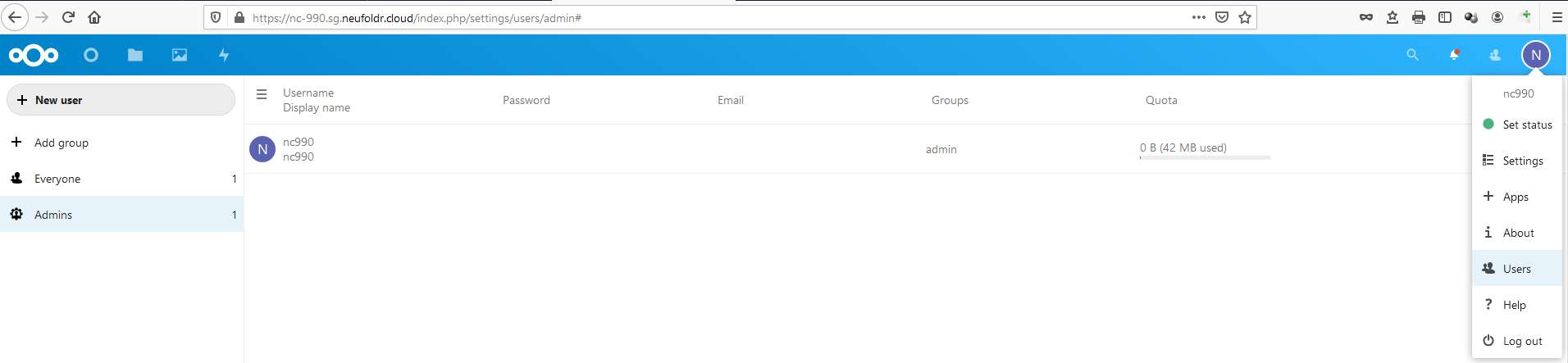
-
Select the overflow menu from
the profile button
- Click “Users” icon to navigate to the create groups and users page

- On the create groups and users page, click the “add group” option on menu displayed on the left panel

- Enter the name of the group to be created and click the “arrow” button to proceed
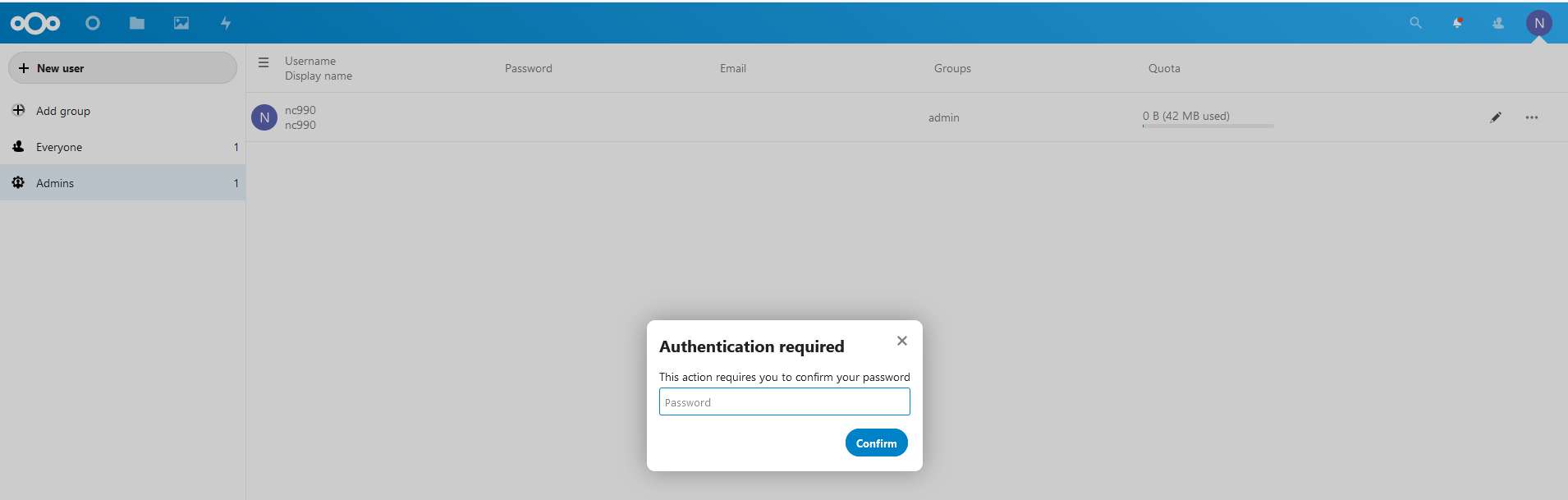
- Enter the administrator password when prompted to proceed
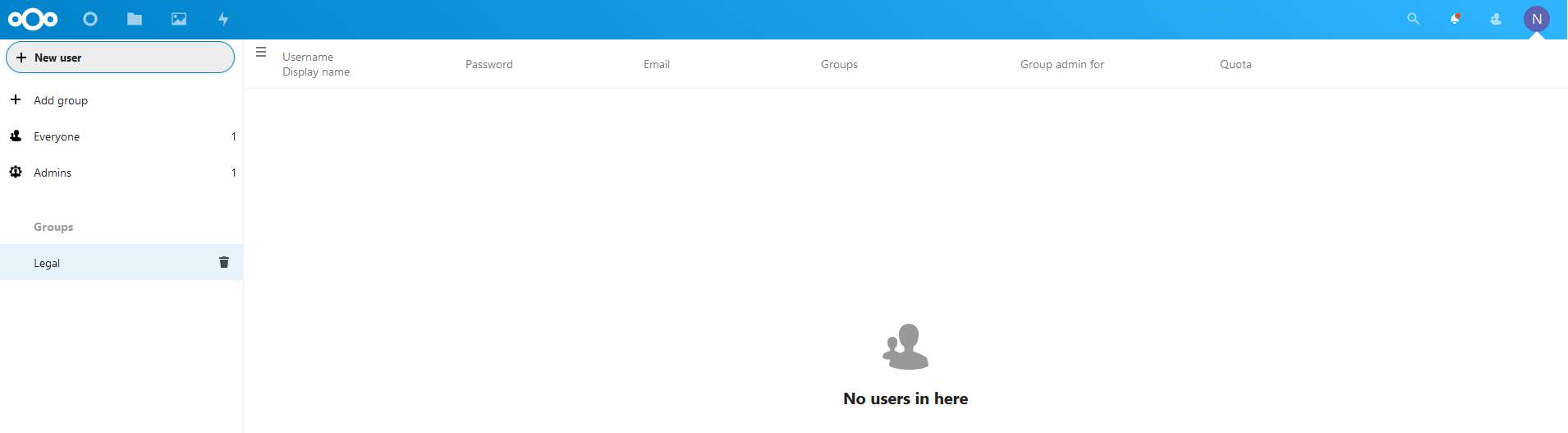
- The group is successfully created

- To create new user, click on the “New user” icon, the new user page will be displayed on the main canvas panel

-
Enter the new user name

-
Set the password and enter
the email address of the new user

-
Assign the user to a group if
necessary or for easier file access management by groups
- If user is an admin for a specific group, select the appropriate group in the “Group Admin for” field

-
Click on the “tick” blue
button to complete the user creation
- The new user will be listed in the main canvas
*Note that assigning “Admins” group to any users will grant them the full administrative rights to the Nextcloud application. Hence do not assign “Admins” group unless absolutely necessary.